



WiFiLink is an Official
TP-Link Partner

Authorised
Trusted
Verified

Explore our new tech store, a4techstore.com.pk

TP-Link Pakistan
Found cheaper? Get a discount →


Collect your order directly from our pickup location.

Usually ready within 24 hours

M.A Enterprise – Office Number- 201, 2nd Floor, Regal Trade Square, Main Regal Chowk, Saddar, Karachi

+92 335 4254945 (WhatsApp)


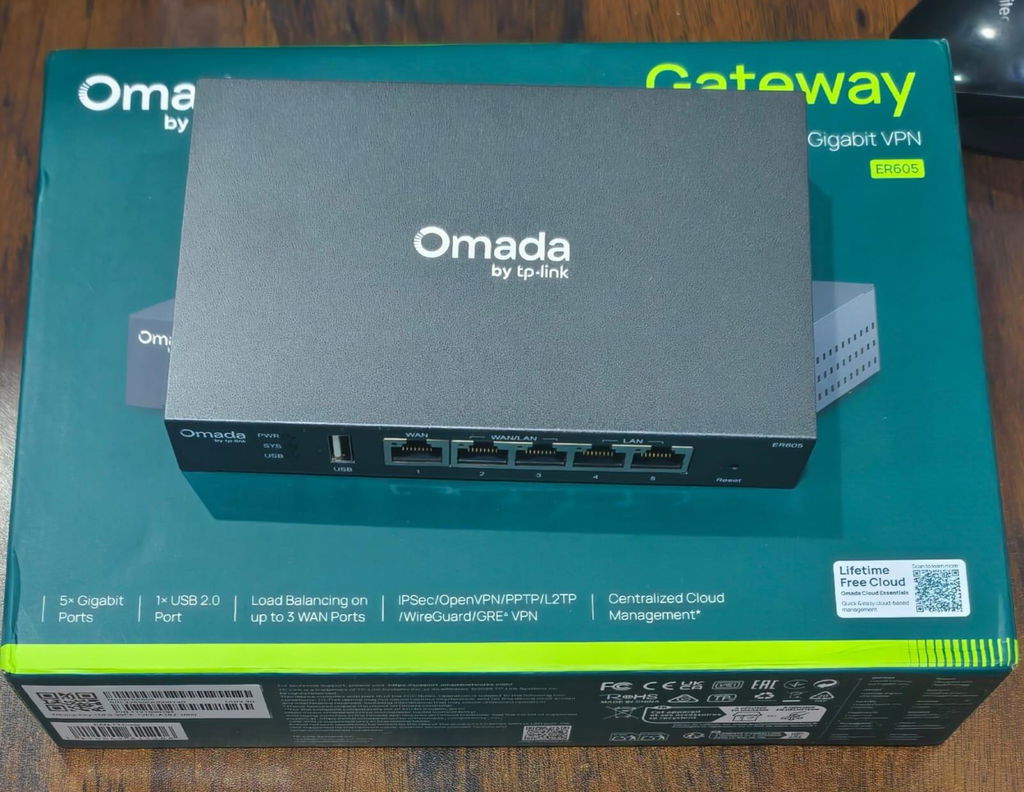
Omada ER605
Multi-WAN load balancing, strong VPN support and central management through Omada SDN, built for small and growing businesses.

Omada SDN cloud or standalone Web UI
Set up and monitor from your phone
Fast wired throughput on every port
Combine multiple internet lines
Spreads traffic across WAN links
Secure site-to-site and remote access
Policies, DoS defence and filtering
Segment the network for security
As the gateway of the Omada SDN platform, ER605 can be managed remotely and centrally, anytime and anywhere. You can also manage it on its own through the web interface or app.

Three ports can switch freely between WAN and LAN, so the router supports up to four WAN connections from one device. Multi-WAN load balancing shares traffic in proportion to each line's bandwidth, getting more out of multiple broadband connections.

ER605 supports IPSec, PPTP and L2TP (including L2TP over IPSec) plus OpenVPN. Its hardware handles up to 20 LAN-to-LAN IPSec, 16 OpenVPN*, 16 L2TP and 16 PPTP tunnels, and one-click auto IPSec VPN* makes linking a head office and branches simple and encrypted.

Advanced policies protect your network and data
Virtual segments for security and easier management
Detects and blocks TCP/UDP/ICMP floods, Ping of Death and more
Blocks unwanted traffic and intruders
Static assignments that defend against ARP spoofing
FTP, H.323, SIP, IPSec and PPTP pass-through

Set clear internet access rules for staff using IP/MAC/URL filtering and access control lists. Captive portal authentication identifies and classifies users, so you can give the right resources to specific users or guests.

Follow the step-by-step setup in the free Omada app and be running in minutes. Change settings, check network status and manage clients from your phone or tablet.
* OpenVPN and one-click auto IPSec VPN need the Omada SDN controller and the latest firmware.
Maximum VPN tunnel counts are hardware limits; real performance depends on configuration and traffic.
 Verify Now
